
TL;DR
1
Log into your account
Click your profile icon and select My Account.
2
Check past orders
Go to the Orders tab to view and print receipts.
3
Manage subscriptions
Access the Subscriptions tab to manage your subscription.
Let's Do It Together!
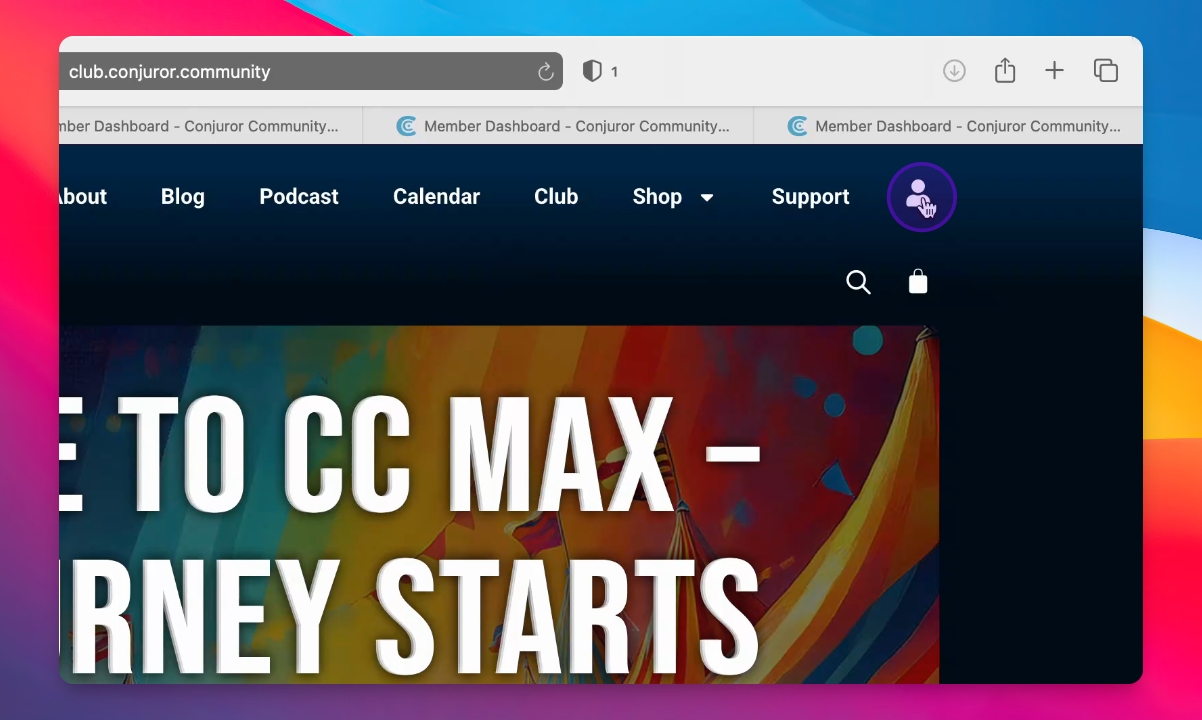
Step 1: Log into Your Account
Once you are logged into the site, click on your profile icon and select My Account.
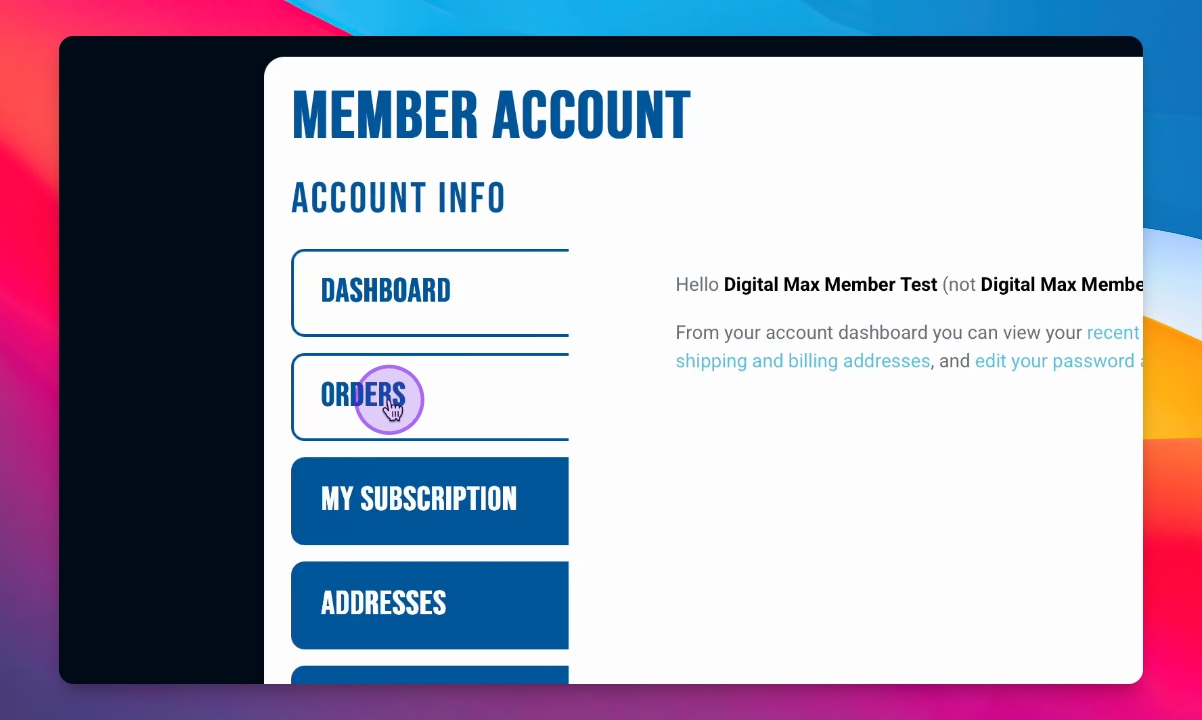
Step 2: View Past Orders
Inside your account, click on the Orders tab to see your past orders.
You can view and print a receipt from this section.
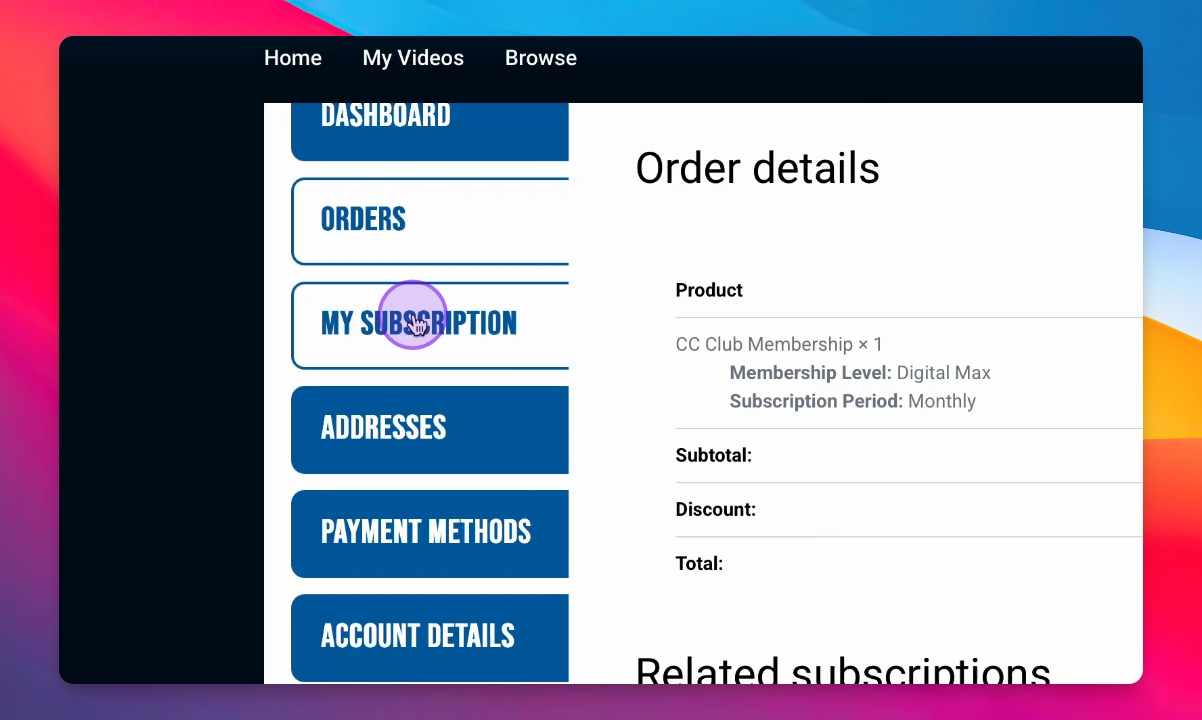
Step 3: Manage Subscriptions
To access your subscriptions, go to the Subscriptions tab.
From here, you can manage your subscription anytime.